What it is
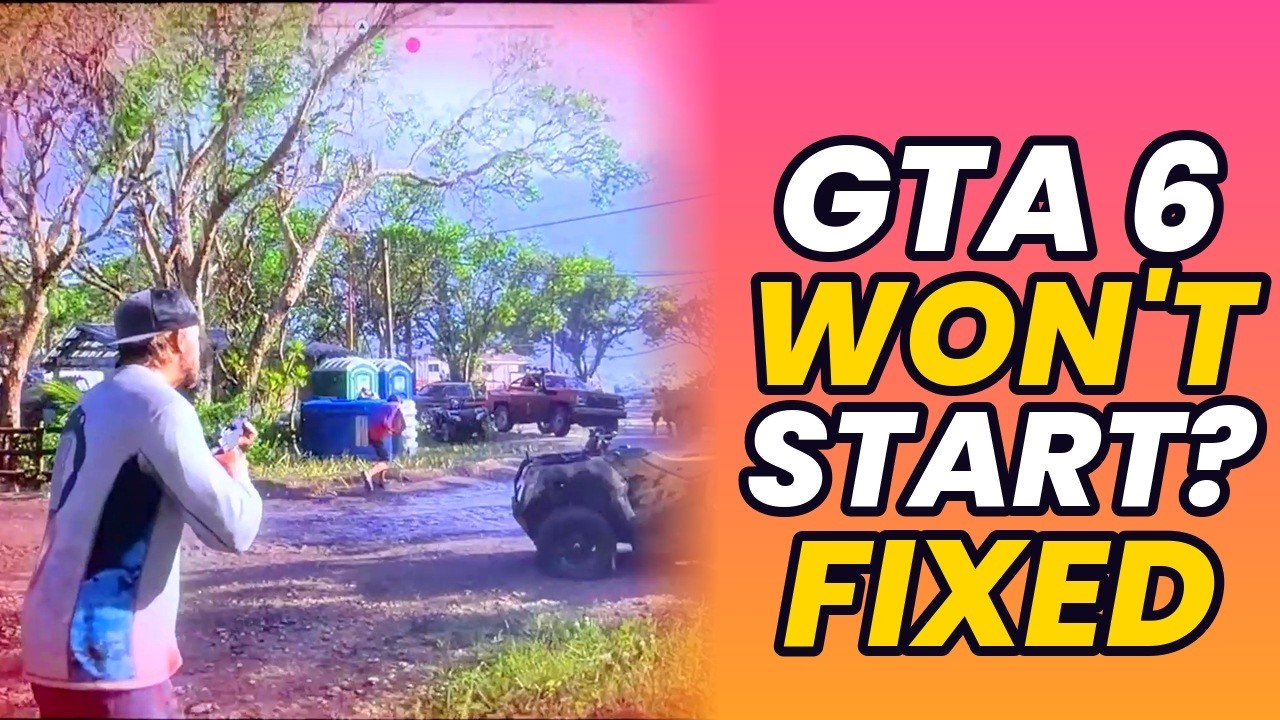
On launch night, PS5 owners who pressed Play the second GTA VI unlocked sometimes got a pop-up: 'Can't use this content. Your licenses are being verified. Try again later.' YouTuber kevinsmak recorded it happening over and over right at 12:00 AM. At 12:01 the console showed 'Please wait...' and the game started. His video was picked up by the GTA6BUGS clip feed.
How to fix it
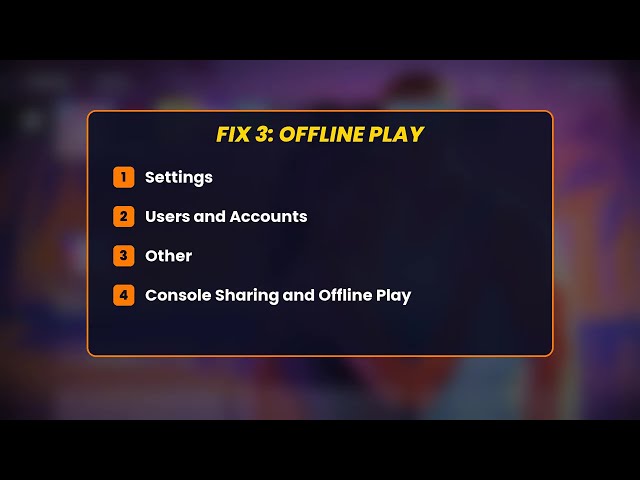
His video goes through five fixes taken from Sony's support advice. First, wait a minute or two and try again, which is what worked at launch. Second, go to Settings > Users and Accounts > Other > Restore Licenses. Third, in the same menu, enable Console Sharing and Offline Play. Fourth, check the PlayStation Network status page. Fifth, restart the console from the power menu.
A related offline check
Nerdism's tracker reports, citing GameSpot, that digital PS5 copies of this single-player game ask to confirm the licence again after about an hour offline. The fix PlayStation recommends is the same: enable Console Sharing and Offline Play on the PS5 you use most. That setting is worth turning on even if you never saw the launch-night error.
Status
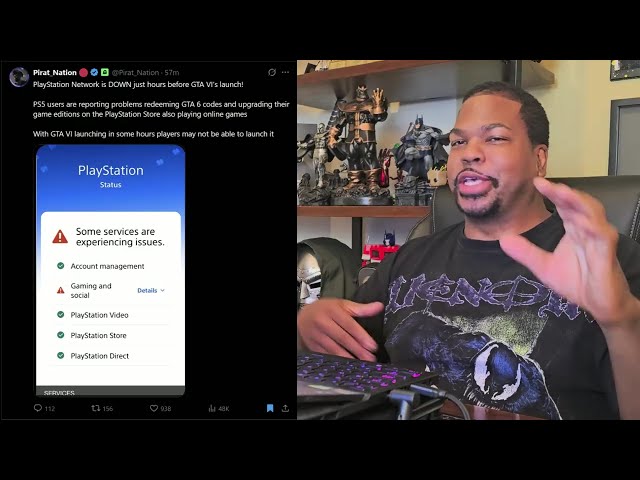
The launch-night version was mostly a midnight unlock-timing issue and cleared on its own. The PSN problems on launch eve were resolved, per Nerdism. Your save isn't at risk either way, since this happens before the game loads.
Tips
If you play on a second PS5 or share your account, be aware that GTA6BUGS also lists a report of the game showing a padlock on a second console signed into the same PSN account. That's the usual sign the licence is tied to the primary console. Setting your main PS5 as the primary console through Console Sharing and Offline Play is PlayStation's standard fix.