What it is
One of the more irritating early bugs is a menu that won't let you leave. GTA6BUGS lists it as #0091, confirmed and rated major. In the wardrobe, gun shop or other customization screens, pressing back does nothing. In some garages the loadout menu never appears and the character just stands there. The most common case is the car mod shop, where the respray or paint screen traps players, often after they highlight something marked 'Not enough cash.'
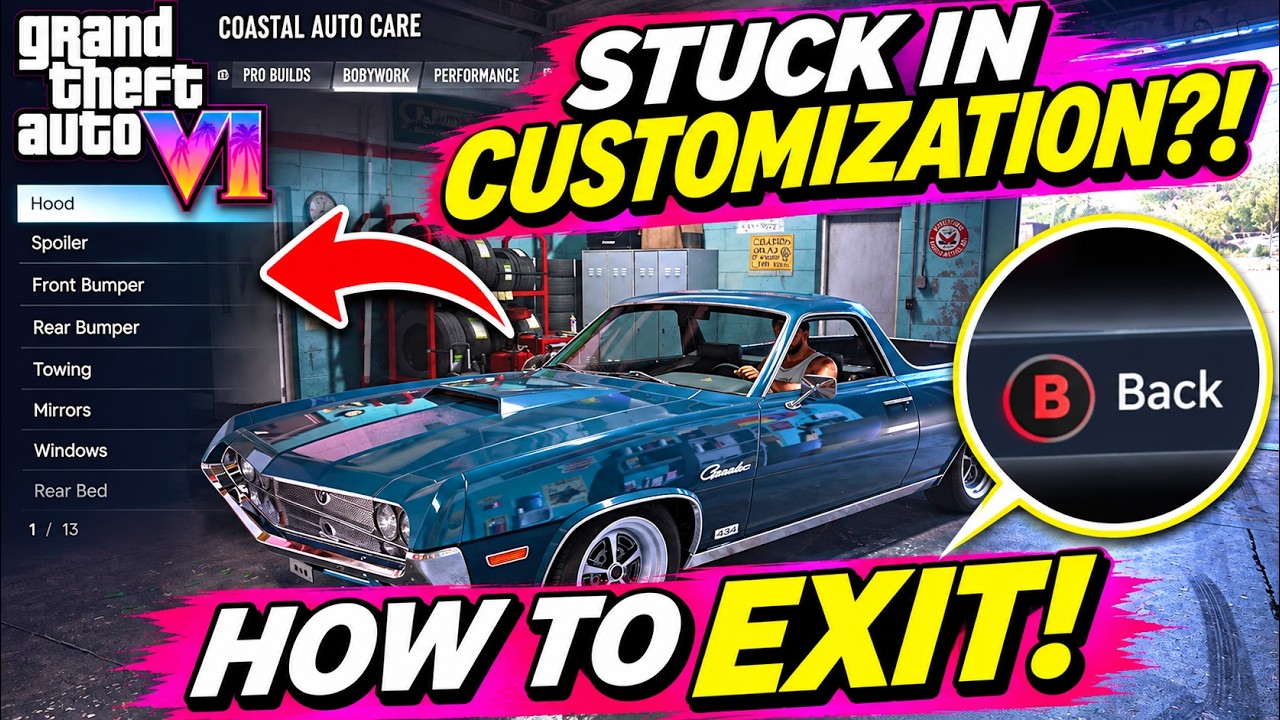
KingAlexHD, who also posted one of the early fall-through-the-map clips, uploaded a video on November 18 about getting out of car customization when you're stuck at the paint selection screen.
How to get out
The tracker's first workaround is tied to the 'Just a Scratch' mission in Joey's garage. Apply the item the mission is waiting for: restore the stock engine under Performance, then choose any colour under Cosmetics > Respray, avoiding anything you can't afford. When the objective switches to 'Leave when ready', back out with Circle or B.
If that doesn't work, or you're stuck somewhere else, close the game from the console home menu and reload. You'll go back to your last autosave.
Avoiding it
Until there's a patch, save manually before entering shops and garages, so quitting out costs you little. Don't scroll onto items you can't afford in the respray menu, since that's the most common trap.
Status
No patch as of November 20. The latest update GTA6BUGS tracks is 01.002.001 from November 16. The tracker says nobody has found a menu-level trick that always closes the screen, so the mission-specific fix may not help in other shops.